Case study · Transport operations
WhatsApp Cab OS: a whole cab business, run from one WhatsApp number.
Customers book, drivers work and the owner manages everything on WhatsApp, with a live web dashboard on top.
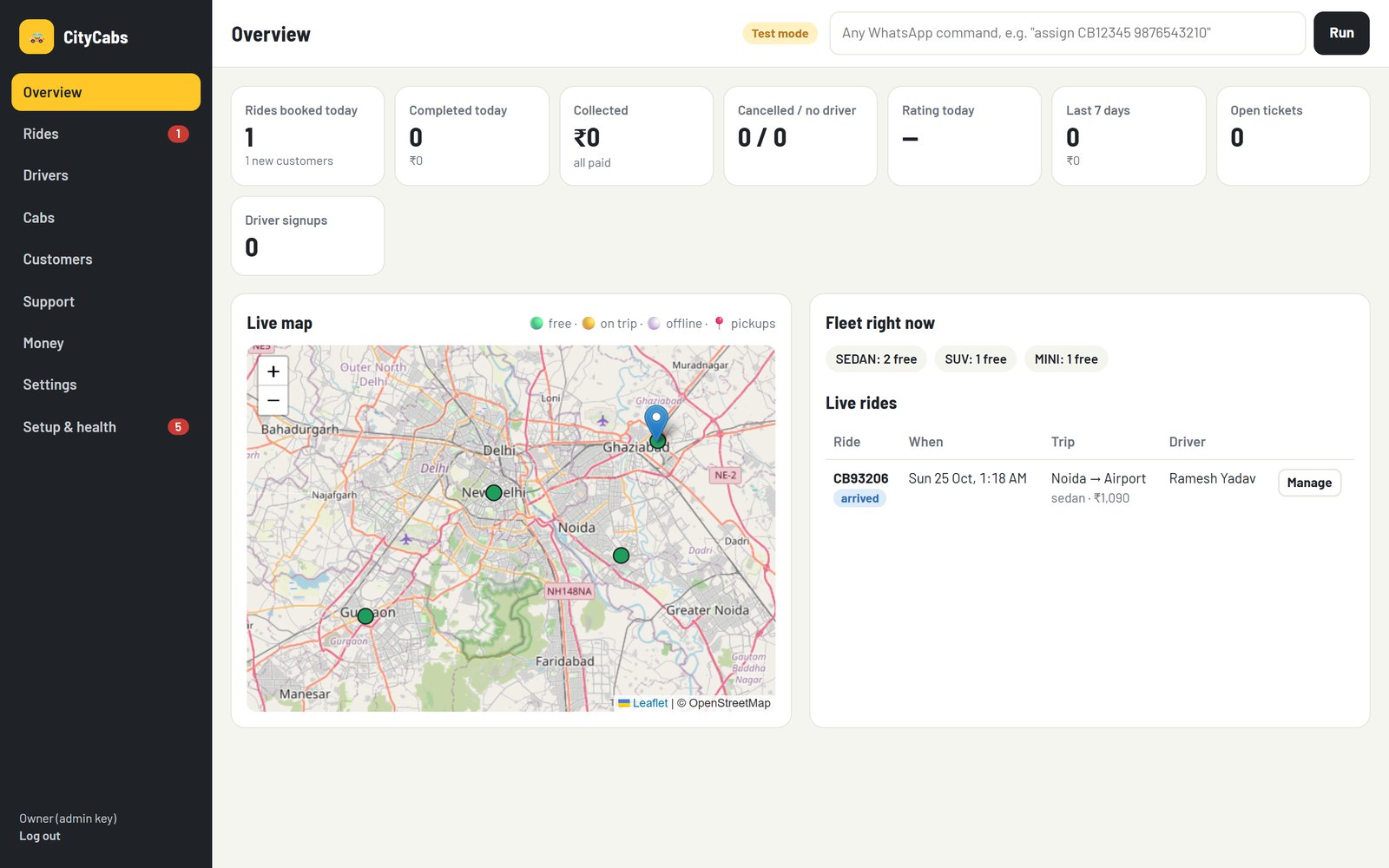
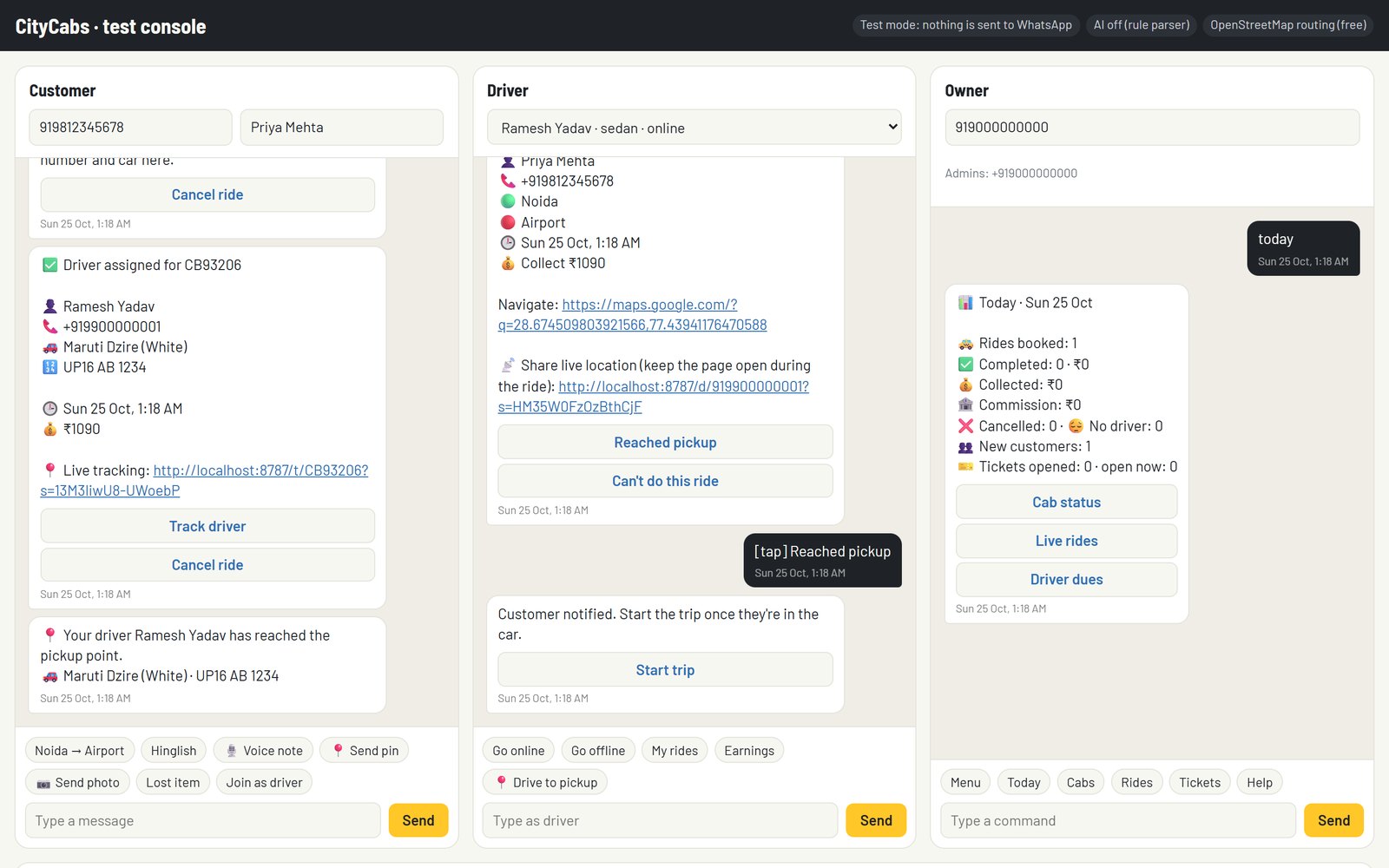
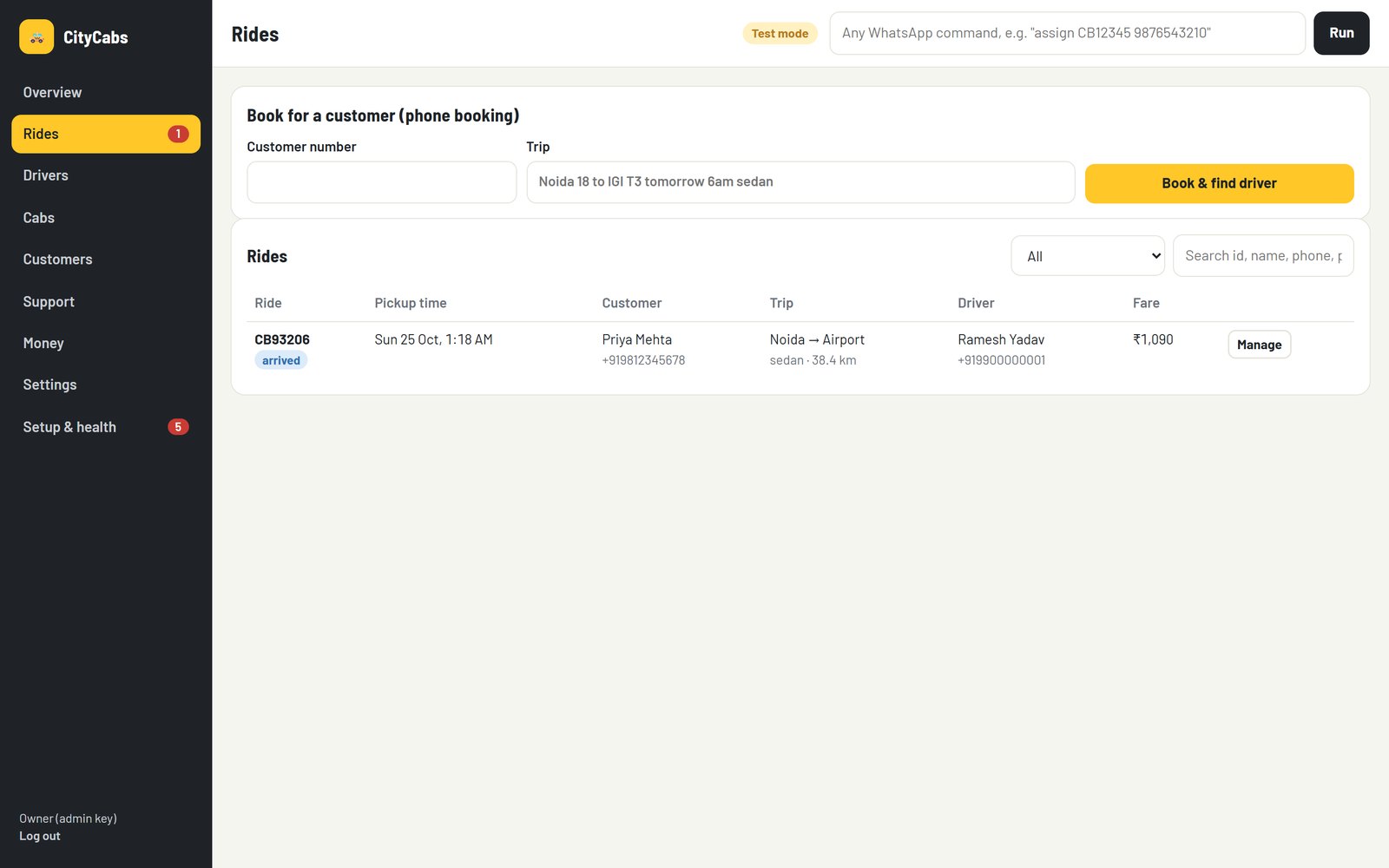
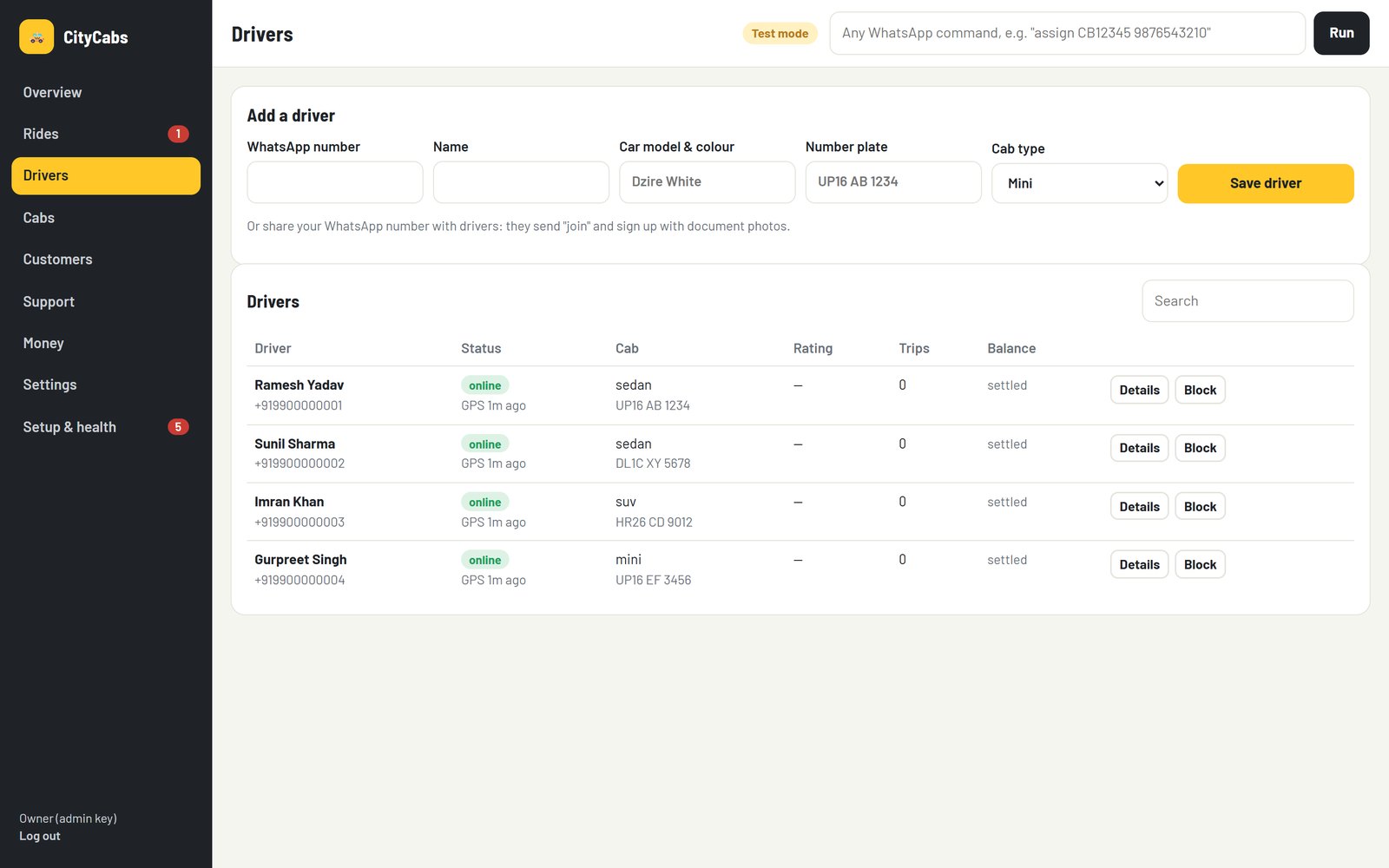
Real screens
High-level design

Flow design

The challenge
A cab operator handled bookings, driver dispatch, support and payments across scattered WhatsApp chats and phone calls. Nothing was logged, there was no live view of the fleet, and the owner couldn't afford servers or a dev team to run custom software.
How it works
- One WhatsApp Business number serving three roles: customers, drivers and the owner or staff.
- Official WhatsApp Cloud API (Meta), with a free Cloudflare Worker relay that verifies webhook signatures and serves the tracking and payment pages.
- The bot logic runs on Google Apps Script, with a scheduler that checks every minute for timeouts, reminders and reassignments.
- Google Sheets and Drive act as the database and file store, in the business's own Google account.
- Owner web dashboard: live map, rides, drivers, cabs, support tickets, money and settings.
What we delivered
A working v1 covering booking, dispatch, live tracking, payments and support, with nothing to host, no VPS and no database server to pay for.
Handover
Everything runs in accounts the business owns: their Google account, their Meta app and their Cloudflare worker. Setup and operations are documented.
Plan a build like this →Last updated · By Samir Kumar, founder of Skailabin.com